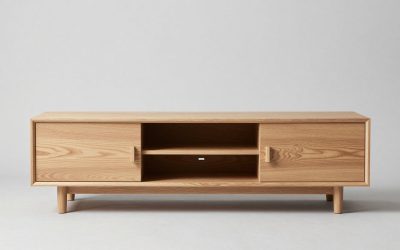
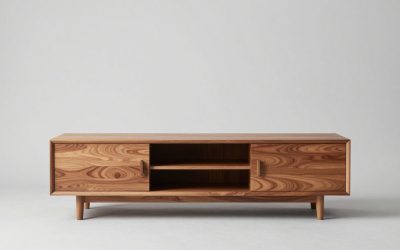
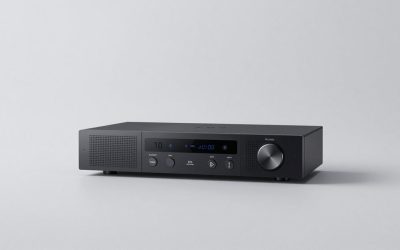
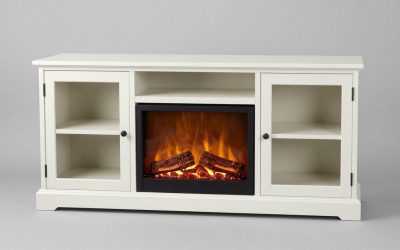
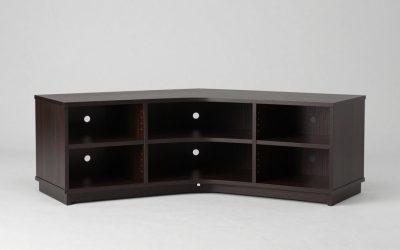
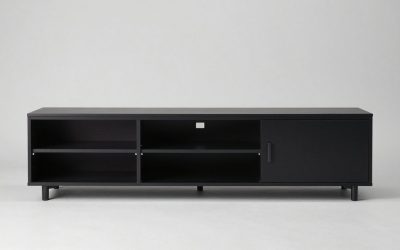
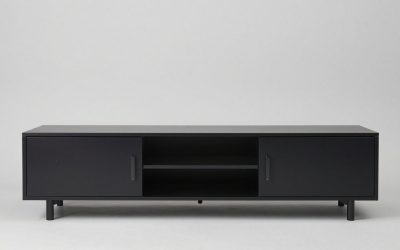
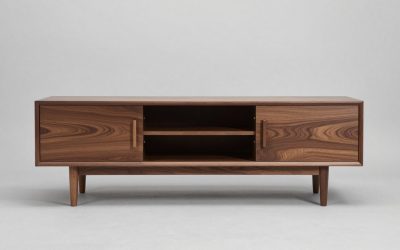
Measure the TV’s actual width, its complete foot or pedestal footprint, and its installed weight before choosing an entertainment center. Then measure the furniture’s usable support surface or TV opening, the room, and cable access. Here is how to measure entertainment center for tv compatibility without relying on screen size alone.
As an Amazon Associate we earn from qualifying purchases.
By KK Home Furnishings Editorial Team
What to Measure Before Choosing an Entertainment Center
Use three sets of measurements: the television, the furniture, and the installation location. A tape measure helps, but the manufacturers’ product drawings settle questions that tape cannot, including safe loads and mounting instructions. Record widths and depths in inches and label each number so cabinet dimensions are not confused with usable space.
| What to Record | Where to Measure | Why It Matters | Common Mistake |
|---|---|---|---|
| TV body width and height | Outside edges of actual television | Checks the clear opening around the picture | Using the advertised diagonal size as width |
| Stand footprint, width and depth | Outermost contacts of both feet or pedestal | Determines whether the complete base rests on the top | Checking screen width but overlooking feet |
| TV installed weight | Maker’s specifications with the chosen stand | Must remain within furniture’s stated TV capacity | Comparing bare-panel weight to a loaded cabinet |
| Furniture top and TV opening | Usable top surface or inside edges of side towers | Checks actual support and screen clearance | Assuming the unit’s outside width is its opening |
| Shelves and cable access | Clear internal dimensions plus rear cable path | Checks soundbar, console and ventilation fit | Relying on outside depth as usable depth |
| Wall and delivery route | Finished wall space, ceiling and doorway path | Allows the whole unit to reach and fit the room | Measuring the wall but not the doorway or trim |
Separate Screen Diagonal From the TV’s Real Width
The marketed TV size is usually the screen’s diagonal measurement, not the left-to-right width of the housing. A Sony K-65A60C listed for the U.S. in 2026 has a 65-inch screen class but a published 56.88-inch overall body width. Read the specification for your exact model instead of using a generic conversion chart [Sony, 2026].
Measure the television from its outermost left edge to its outermost right edge, including any part that protrudes beyond the picture. If the set will sit between side cabinets, note its actual height and the position of the screen above its feet. An opening that looks wide on the sales photograph may be narrower inside.
Distinguish Overall Cabinet Size From Usable Support
Write down the entertainment center’s full assembled width, depth and height, then take another set of dimensions for the usable TV surface. A wall unit may have a wide outside measurement while bookcase sides reduce the space available for the display. Doors, trim and overhanging tops can change the usable area.
Manufacturer drawings are particularly important with modular furniture. One IKEA BESTÅ TV bench is listed at 70 7/8 inches wide, 16 1/2 inches deep and 15 3/8 inches tall. The same page separately publishes a 66-pound maximum TV weight for that exact configuration [IKEA, accessed October 2026]. Dimensions and load ratings answer different questions.
Include the Location, Cords and Mounting Method
Measure the wall where the unit will stand, using finished surfaces rather than an approximate floor plan. Note baseboards, vents, electrical outlets, low windows and whether cabinet doors have room to open. Check the route through doors, corridors and stairs if the entertainment center arrives partly assembled.
Record whether the television will rest on the furniture or hang from an independent wall bracket. The load path changes, as do the important dimensions. A wall-mounted screen requires bracket compatibility and wall-installation instructions; a set resting on a console requires a suitable support surface and its approved weight limit.
How to Measure Entertainment Center for TV Fit: Six Steps
Use these six steps in order, retaining one record for your exact television and one for the proposed furniture. This method prevents the common mistake of choosing a unit that fits the screen’s diagonal description but not the actual feet, opening, equipment or room. A published model example below demonstrates a measurement; it is not a universal minimum.
Step 1: Measure the Screen Housing Edge to Edge
Place the tape across the full television body, not across the illuminated image area. Record body width and body height separately. For a TV that must sit inside a furniture opening, compare these values with the opening’s clear internal measurements, accounting for any trim or door hardware that intrudes.
A 65-inch screen label cannot tell you whether the housing clears the furniture’s side towers. For example, Sony publishes the K-65A60C body as 56.88 inches wide. That is a model-specific specification, not a width for every 65-inch set. Leave any operating clearance required by the TV’s own instructions [Sony, 2026].
Step 2: Check the Footprint in the Actual Stand Position
Measure the outer width of two separate TV feet, or the full side-to-side width of a center pedestal. Next measure how far the feet or pedestal extend from front to back. The complete load-bearing footprint needs support on a surface designed for the television, with no feet hanging beyond an edge.
Do not assume the feet always span most of the screen. Sony’s 2022 XR-77A80K specifications list a standard stand width of 55.47 inches and a narrow-position width of 24.37 inches. Those options belong to that model. Check the stand position permitted by your television’s own manual before deciding which footprint to record [Sony, 2022].
Step 3: Measure the TV Bay and Any Side Cabinets
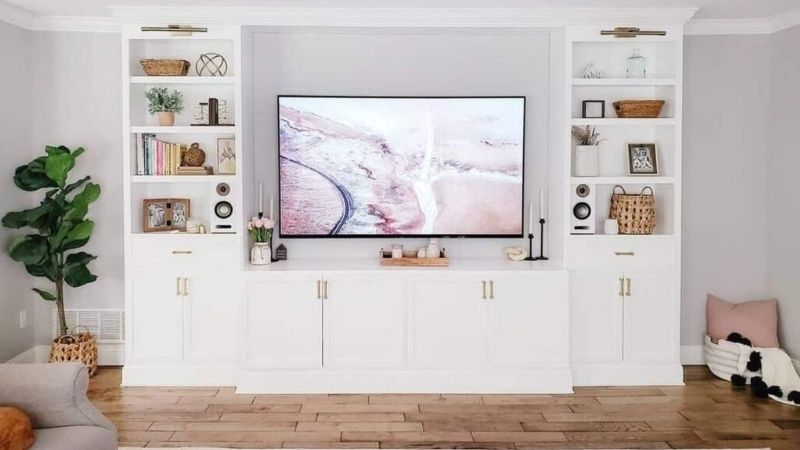
For an entertainment center with towers, measure the open space between their inside faces at the location of the screen. Measure from the supporting shelf to any overhead bridge, and inspect whether the back panel, molding or a projecting door reduces clearance. This is the usable opening, not the product’s advertised exterior width.
For an open TV bench, measure the clear flat area on the top surface. If the furniture is modular, confirm whether the online dimensions describe one bench or the complete assembled combination. When diagrams show only outside measurements, ask the seller for the TV-opening dimensions rather than assuming the missing measurements.
Step 4: Confirm Equipment Fits the Actual Shelf Openings
Measure the soundbar, game console, streaming box and receiver where each will actually sit, including attached feet and plugs. Record the usable width, height and depth of that compartment after doors, shelf pins, back panels and cable channels. A cabinet’s outer depth is not a promise about internal space.
Allow for ventilation according to each device manufacturer’s instructions rather than inventing one universal clearance number. Test whether a hinged door will close over cables and whether a soundbar obstructs the bottom of the TV. A unit that accommodates the screen but blocks airflow or connections has not passed a useful fit check.
Step 5: Check the Whole Room and Delivery Path
Measure the intended wall across the usable span, then check the floor-to-ceiling height and the distance to nearby furniture. Account for skirting boards, radiator covers, vents and windowsills. Mark the proposed cabinet width with removable tape on the floor to see whether drawers or doors can open without hitting the room’s traffic path.
If the center has tall towers, check the instructions for assembly and working clearance as well as its finished height. Confirm that the longest packaged or assembled component can pass through entry doors and stair turns. Those are separate measurements from the furniture’s final footprint and can decide whether delivery is practical.
Step 6: Verify Weight Ratings and Secure the Installation
Read the television’s weight with its chosen stand, then compare that figure with the entertainment center manufacturer’s maximum TV load for the actual model. The Sony K-65A60C weighs 39.7 pounds with its stand, while the cited BESTÅ configuration specifies a 66-pound maximum TV weight; this is a published example, not an approval for other furniture [Sony, 2026; IKEA, October 2026].
Weight compatibility does not replace stability protection. The U.S. Consumer Product Safety Commission advises securing TVs and furniture to the wall and following product instructions [CPSC, 2022]. The cited BESTÅ page specifically requires wall anchoring even when its bench is floor standing [IKEA, October 2026]. Check your unit’s hardware and wall type.
Frequently Asked Questions
These final checks deal with information that ordinary cabinet measurements may miss: adjustable stands, delivery packaging, measurement apps and incomplete product listings. They are most useful after the six steps have given you a provisional fit.
Should I Measure a TV Again After Changing Its Stand Position?
Yes. If your model permits narrow, wide or soundbar stand positions, the footprint and sometimes the television’s installed height can change. Use the exact stand configuration you intend to assemble, not an unused measurement from a different setting or a marketing photograph.
The alternative stand positions shown for Sony’s XR-77A80K are a good reason to read a model-specific drawing. Other TVs may have fixed legs or a single pedestal. Confirm the compatible position from the manual, then note the final foot depth, width and the screen’s overall height with the installed stand.
Are Furniture Package Dimensions the Same as Assembled Dimensions?
No. Package dimensions describe the box or individual cartons shipped to you, while assembled dimensions describe the finished furniture. A modular entertainment center can arrive in several packages, each with a different length and weight. Use the assembled drawing to check the room and cartons to check delivery access.
The IKEA BESTÅ configuration cited here is sold in multiple packages, so one outer carton cannot substitute for its finished 70 7/8-inch cabinet width [IKEA, October 2026]. If your building has a small elevator or a narrow stair turn, inspect the largest individual package before ordering.
Can a Phone Measurement App Replace a Tape Measure?
It can help preview furniture placement, but a phone’s camera-based measurement should not be your sole evidence for a tight fit or a safety-related decision. Lighting, perspective and unclear starting points can affect an estimate, particularly around trim or dark cabinet openings.
Use a physical tape measure for the TV feet, the clear opening and the support surface. Then compare those measurements with the maker’s published specifications. A room-planning app is useful for visualizing the scale of a cabinet, not for certifying its safe load or approving a wall anchor.
What If the Seller Does Not Publish the Internal TV Opening?
Ask the seller or manufacturer for a dimensional drawing that shows the inside width and height, not just the outer furniture dimensions. If the screen must fit between columns or under a bridge, that missing measurement is a purchase blocker rather than an invitation to estimate from a product photo.
If the seller cannot confirm the usable opening, choose furniture with a clearly documented TV bay or an open-top bench whose usable surface can be established. Do not treat a stated maximum screen size as proof that every TV within that diagonal class will fit every opening or stand arrangement.
Final Thoughts
Knowing how to measure entertainment center for tv fit means separating the screen’s body size from its foot footprint, then checking the furniture’s usable opening and verified load rating. Keep the room and delivery measurements on the same worksheet. A complete fit includes equipment access and secure installation, not just a TV that looks centered.